The free tilemap editor with autotiling built in
Paint pixel art game levels in your browser. Terrain joins itself up as you draw, layers stack, and your map exports to Tiled, JSON or PNG for Godot, Unity and the rest. No signup, no install.
Free forever · runs offline once loaded · your maps stay on your machine
Everything a level needs, nothing it doesn't
Built for making real game maps fast: pick tiles, paint, export.
-
Autotile terrain
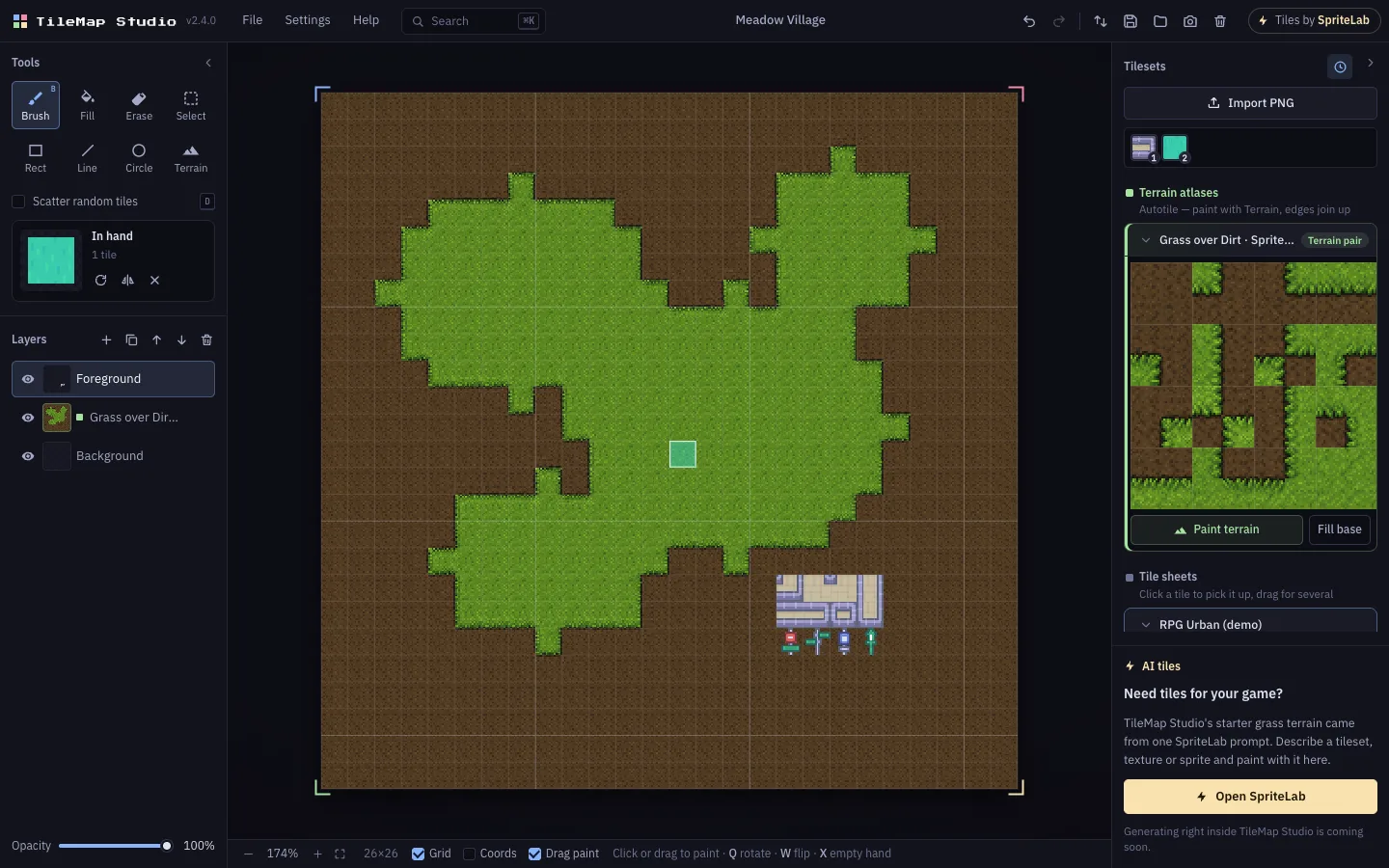
Drag to paint grass, water or stone and the right edge and corner pieces appear on their own. Fill floods whole areas; erasing re-joins the edges.
-
Layers that behave
Live thumbnails, drag to reorder, lock, opacity, and Alt+click to solo a layer. Terrain gets its own layer so it never eats your props.
-
Scatter brush
Pick a few grass or floor tiles and every cell gets a random one. Natural variation in one stroke, no repeating stamps.
-
Export anywhere
Tiled .tmx, JSON, CSV, a JavaScript module, or a PNG at 1–4× with an optional transparent background.
-
Fast to drive
Every tool has a key, 1–9 pick recent tiles, right-drag copies a region, and Ctrl+K searches every command.
-
Private by default
Everything runs in your browser and autosaves locally. Old TileMap Studio projects open as-is.
From tileset to level in three steps
-
Bring your tiles
Drop in any tileset PNG, use the bundled starter sets, or generate a tileset with SpriteLab.
-
Paint the map
Brush, fill, shapes and the terrain brush. Undo anything, stack layers, scatter variation.
-
Export to your engine
Save a project file, or export for Tiled, Godot, Unity, GameMaker, Phaser or plain PNG.
Tiles by SpriteLab
Out of tiles? Generate them with SpriteLab
SpriteLab is an AI pixel art generator made for indie game devs. The grass-over-dirt terrain in the demo above came from a single SpriteLab prompt.
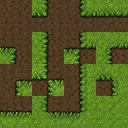
- Autotile tilesets. Describe a surface and get a full 15-piece autotile atlas that actually tiles, with a base terrain blended underneath. It paints straight away with the Terrain brush here, and it's Godot, Tiled, Unity and LDtk-ready.
- Seamless textures. One tile that repeats with no visible seams, from 16 to 128px.
- Sprites and animation. Game-ready characters, props and items with clean outlines and transparent backgrounds, plus 4-direction rotations and animated spritesheets.
Works with your engine
- Tiled
- Native .tmx with sequential GIDs and CSV layers
- Godot
- Import the .tmx, or use the JSON and PNG exports
- Unity
- CSV grid or JSON for your own tilemap loader
- GameMaker
- CSV or PNG backgrounds
- Phaser & JS
- A ready-to-import JavaScript module
- Anything else
- A pixel-perfect PNG at 1–4×
Questions
Is TileMap Studio free?
Yes. It's free to use in your browser, with no account and no watermark.
What is autotiling?
Autotiling picks the right edge and corner tile for you as you paint, so terrain like grass, water or stone joins up on its own. TileMap Studio uses 15-piece corner autotile atlases, the same layout SpriteLab's AI tileset generator produces.
Can I use my maps in Godot, Unity or Tiled?
Yes. Export a Tiled .tmx file, JSON, CSV or a JavaScript module, or a PNG of the whole map at 1–4× scale.
Where do I get tilesets?
Import any PNG tileset, start with the bundled starter sets, or generate your own autotile tilesets, seamless textures and sprites with SpriteLab, an AI pixel art generator for game developers.
Where is my map saved?
It autosaves in your browser, and you can download a project file any time with Ctrl+S. Nothing is uploaded to a server.
Which tile sizes are supported?
Anything from 4 to 128 pixels, square or not. Maps go up to 200×200 tiles.